
Creating Kubernetes Clusters on Hetzner with KSail and Talos
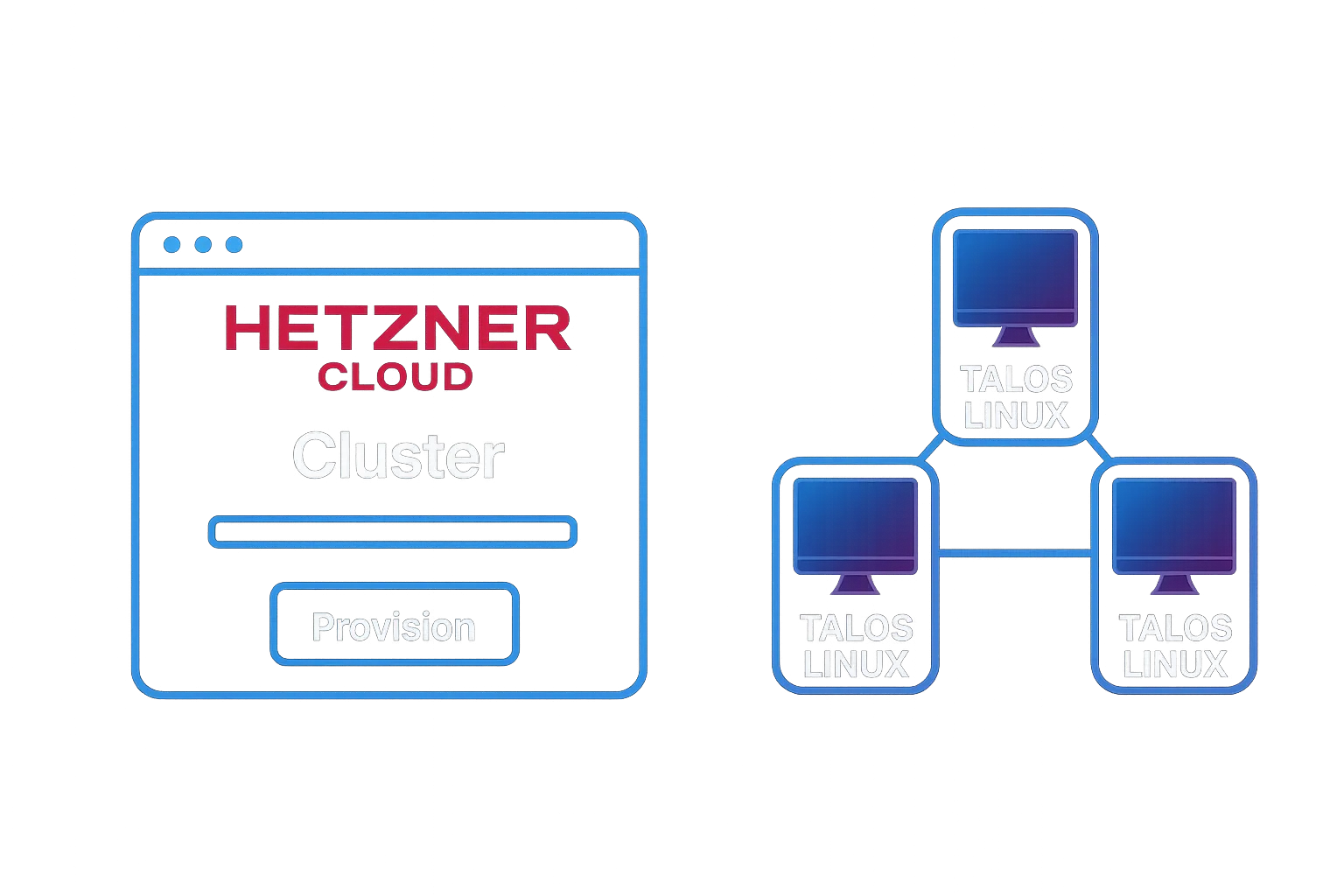

Setting up Kubernetes environments doesn’t have to be expensive or complicated. With Hetzner Cloud’s affordable pricing, Talos Linux’s security-focused immutable OS, and KSail’s unified tooling, you can have a cluster running in minutes. This post walks through the complete setup.
Why Hetzner + Talos + KSail?
Section titled “Why Hetzner + Talos + KSail?”Hetzner Cloud offers some of the most affordable cloud VPS servers in the industry. A capable cx23 server (2 vCPU, 4GB RAM) costs around €3.74/month — significantly cheaper than equivalent offerings from AWS, GCP, or Azure.
Talos Linux is a minimal, immutable operating system designed specifically for Kubernetes. There’s no SSH, no shell, no package manager — just the Talos API and Kubernetes. This dramatically reduces the attack surface and eliminates configuration drift.
KSail brings it all together with a single binary that handles cluster provisioning, GitOps setup, and workload management. Instead of juggling hcloud, talosctl, kubectl, helm, and flux commands, you use one consistent interface.
Step 1: Create a Hetzner Account
Section titled “Step 1: Create a Hetzner Account”If you don’t already have a Hetzner account:
- Go to Hetzner Cloud Console
- Click “Register” and complete the signup process
- Verify your email and complete any required identity verification
Hetzner has documentation for getting started: Account Getting Started Guide.
Step 2: Create a Hetzner Project
Section titled “Step 2: Create a Hetzner Project”Projects in Hetzner Cloud are organizational units that contain your resources (servers, networks, load balancers, etc.). Each project has its own API tokens and billing.
- Log into the Hetzner Cloud Console
- Click “New Project” in the sidebar
- Name your project (e.g., “kubernetes-dev” or “my-homelab”)
- Click “Create”
Step 3: Generate an API Token
Section titled “Step 3: Generate an API Token”KSail needs an API token to provision and manage Hetzner Cloud resources.
- In your project, go to Security → API Tokens
- Click Generate API Token
- Name the token (e.g., “ksail-cluster-management”)
- Select Read & Write permissions — KSail needs to create and delete servers
- Click Generate API Token
- Copy the token immediately — you won’t be able to see it again!
For more details, see Hetzner’s Generating API Token Guide.
Step 4: Export the API Token
Section titled “Step 4: Export the API Token”KSail reads the Hetzner API token from the HCLOUD_TOKEN environment variable. Add it to your shell configuration:
# For the current sessionexport HCLOUD_TOKEN="your-api-token-here"
# To persist across sessions, add to your shell configecho 'export HCLOUD_TOKEN="your-api-token-here"' >> ~/.zshrc  # or ~/.bashrcsource ~/.zshrc
You can verify the token is set:
echo $HCLOUD_TOKEN | head -c 10 # Should show first 10 charactersStep 5: Install KSail
Section titled “Step 5: Install KSail”KSail is distributed as a single binary. The easiest installation method is via Homebrew:
brew install --cask devantler-tech/tap/ksailAlternatively, if you have Go installed:
go install github.com/devantler-tech/ksail/v5@latestVerify the installation:
ksail --versionStep 6: Scaffold Your Cluster Project
Section titled “Step 6: Scaffold Your Cluster Project”KSail’s init command scaffolds a complete project structure. For a basic Talos cluster on Hetzner with Cilium CNI:
mkdir my-cluster && cd my-clusterksail cluster init --distribution Talos --provider Hetzner --cni CiliumThis creates ksail.yaml (cluster configuration), talos/ (Talos configs), and k8s/ (your Kubernetes manifests).
For GitOps workflows, add a GitOps engine and external registry:
ksail cluster init \ --distribution Talos \ --provider Hetzner \ --cni Cilium \ --gitops-engine Flux \ --local-registry '${GITHUB_USER}:${GITHUB_TOKEN}@ghcr.io/your-org/your-cluster'This configures Flux to sync manifests from GitHub Container Registry. See Step 9: Deploying Workloads for the full GitOps workflow.
For all available flags and configuration options, see the KSail documentation:
- CLI flags reference — All
cluster initoptions - ksail.yaml reference — Configuration file schema
- Features overview — CNI, CSI, GitOps, and more
Step 7: Create the Cluster
Section titled “Step 7: Create the Cluster”With your configuration ready, create the cluster:
ksail cluster createThis command:
- Creates servers in Hetzner Cloud
- Configures the private network
- Bootstraps Talos Linux on each node
- Initializes the Kubernetes cluster
- Installs your selected CNI, CSI, and other components
- Configures your local kubeconfig
- Configures your local talosconfig
The process takes 3-5 minutes depending on your cluster size.
You can watch the progress as KSail outputs status updates for each stage.
Step 8: Working with Your Cluster
Section titled “Step 8: Working with Your Cluster”Once your cluster is running, KSail provides commands for common operations:
ksail cluster info # Show cluster statusksail cluster list # List all KSail-managed clustersksail cluster connect # Open K9s for interactive managementksail cluster stop # Stop the clusterksail cluster start # Start a stopped clusterYour kubeconfig is automatically configured, so standard kubectl commands work too.
For the full command reference, see Cluster Commands.
Step 9: Deploying Workloads
Section titled “Step 9: Deploying Workloads”KSail wraps kubectl and GitOps operations under the workload command. For cloud clusters like Hetzner, you have two main options for deploying workloads.
Option A: Direct kubectl Workflow
Section titled “Option A: Direct kubectl Workflow”The simplest approach applies manifests directly to the cluster:
ksail workload apply -k ./k8s # Apply Kustomize manifestsksail workload get pods # Check pod statusksail workload logs deployment/my-app # View logsThis works well for quick iterations but doesn’t provide GitOps benefits like drift detection and automatic reconciliation.
Option B: GitOps with External Registry
Section titled “Option B: GitOps with External Registry”For cloud clusters without a local Docker registry, you can use an external OCI registry like GitHub Container Registry (ghcr.io). This enables full GitOps workflows with Flux or ArgoCD.
Step 1: Create a GitHub Personal Access Token
- Go to GitHub → Settings → Developer settings → Personal access tokens → Tokens (classic)
- Create a token with
write:packagesandread:packagesscopes - Export the credentials:
export GITHUB_USER="your-username"export GITHUB_TOKEN="ghp_your-token-here"Step 2: Initialize with GitOps and External Registry
When scaffolding your cluster, specify the GitOps engine and external registry:
ksail cluster init \ --distribution Talos \ --provider Hetzner \ --cni Cilium \ --gitops-engine Flux \ --local-registry '${GITHUB_USER}:${GITHUB_TOKEN}@ghcr.io/your-org/your-cluster'The --local-registry flag accepts the format [user:pass@]host[:port][/path]. Environment variable placeholders like ${GITHUB_TOKEN} are expanded at runtime, keeping credentials out of your config files.
Step 3: Create the Cluster
ksail cluster createThis installs Flux and configures it to sync from your external registry.
Step 4: Push and Reconcile Workloads
# Package manifests and push to registryksail workload push
# Trigger GitOps reconciliationksail workload reconcile
The push command packages your k8s/ directory as an OCI artifact and pushes it to ghcr.io. Flux then pulls and applies the manifests automatically.
For the full workload command reference, see Workload Commands.
Cleaning Up
Section titled “Cleaning Up”When you’re done with the cluster:
ksail cluster deleteThis removes:
- All Hetzner Cloud servers
- The private network
- Placement groups
- Local kubeconfig entries
- Local talosconfig entries
Cost Considerations
Section titled “Cost Considerations”A minimal development setup (1 control plane) using a cx23 server costs under €4/month.
For a more robust setup (3 control planes + 2 workers) using cx23 servers:
| Component | Monthly Cost |
|---|---|
| 3x cx23 control planes | €11.22 |
| 2x cx23 workers | €7.48 |
| Private network | Free |
| Total | ~€18.70/month |
This is remarkably affordable for a Kubernetes development cluster.
What’s Next
Section titled “What’s Next”Explore the KSail documentation for advanced topics including secret management with SOPS, mirror registries, and GitOps workflows.
Planned: Production-Grade Features
Section titled “Planned: Production-Grade Features”Integration with Hetzner Cloud Controller Manager and Hetzner Cloud CSI Driver is planned for future releases. This will enable:
- Cloud Load Balancers: Automatic provisioning of Hetzner Load Balancers for Kubernetes Services of type
LoadBalancer - Persistent Storage: Dynamic provisioning of Hetzner Cloud Volumes for PersistentVolumeClaims
Feedback Welcome
Section titled “Feedback Welcome”This is the first iteration of Hetzner Cloud support in KSail. If you encounter bugs or find missing features, please open an issue on GitHub. Your feedback helps improve the tool for everyone.
A Note on Cloud Provider Support
Section titled “A Note on Cloud Provider Support”Testing and maintaining cloud provider integrations comes with ongoing infrastructure costs. Hetzner is supported because I use it for my own homelab and want to manage it via KSail. Additional cloud providers (AWS, GCP, Azure, etc.) will not be added without sponsorship to cover testing costs.
If you’d like to see your preferred cloud provider supported, consider sponsoring the project on GitHub.
This blog post was written with the assistance of GitHub Copilot and Claude Opus 4.5. The content is based on real-world experience running Talos development clusters on Hetzner Cloud.